Notification Settings for iOS
Follow the steps below to turn on notifications on iOS.
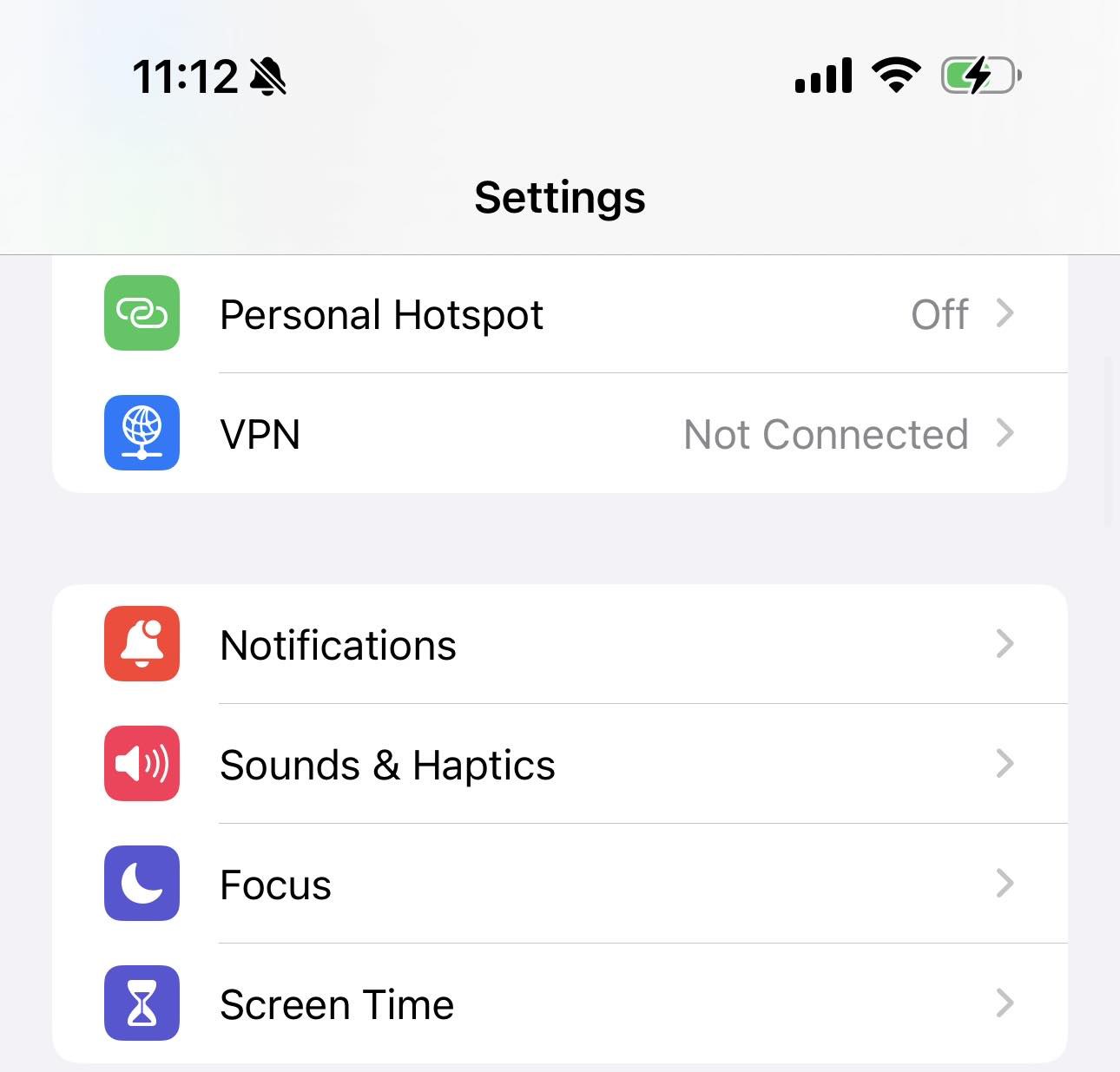
- Go to "Settings" > “Notifications"
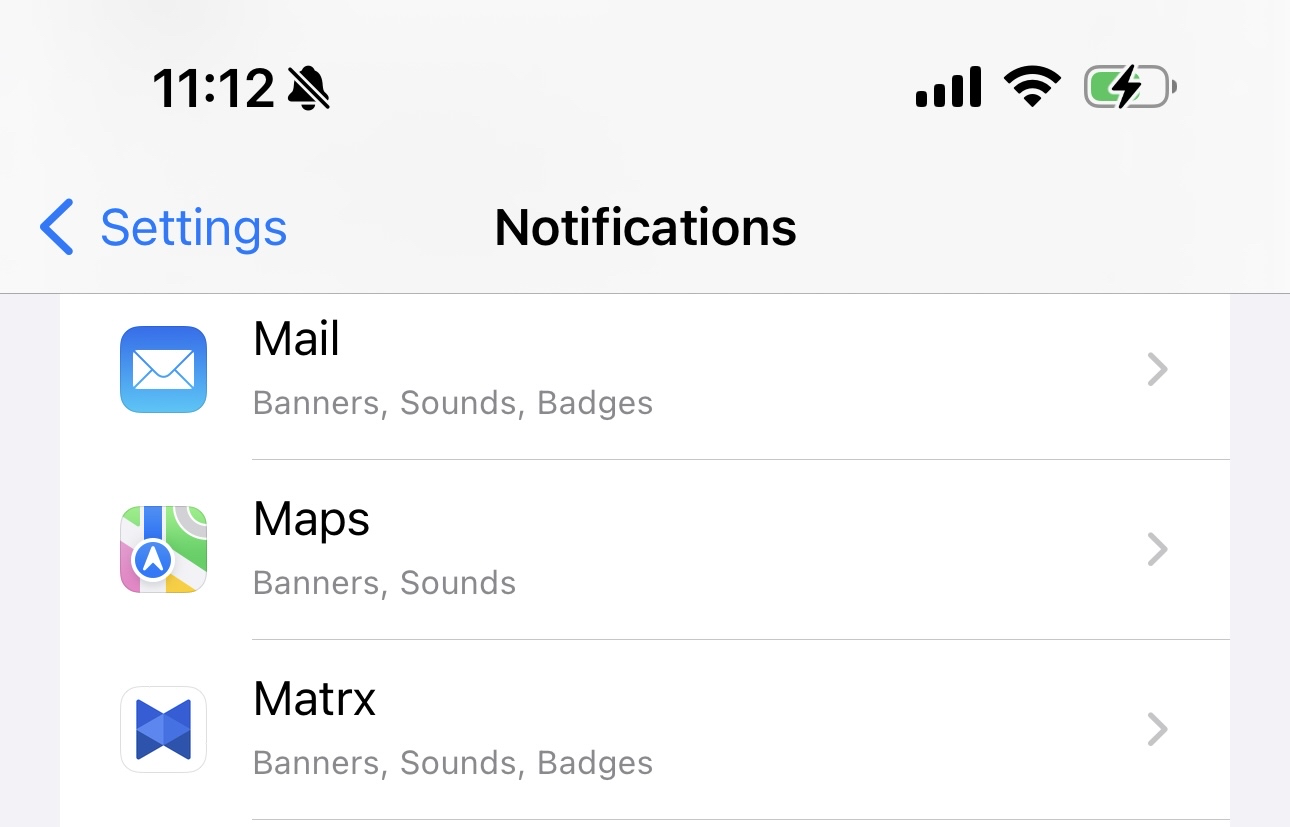
- Find Matrx, and tap to manage the notifications for Matrx.
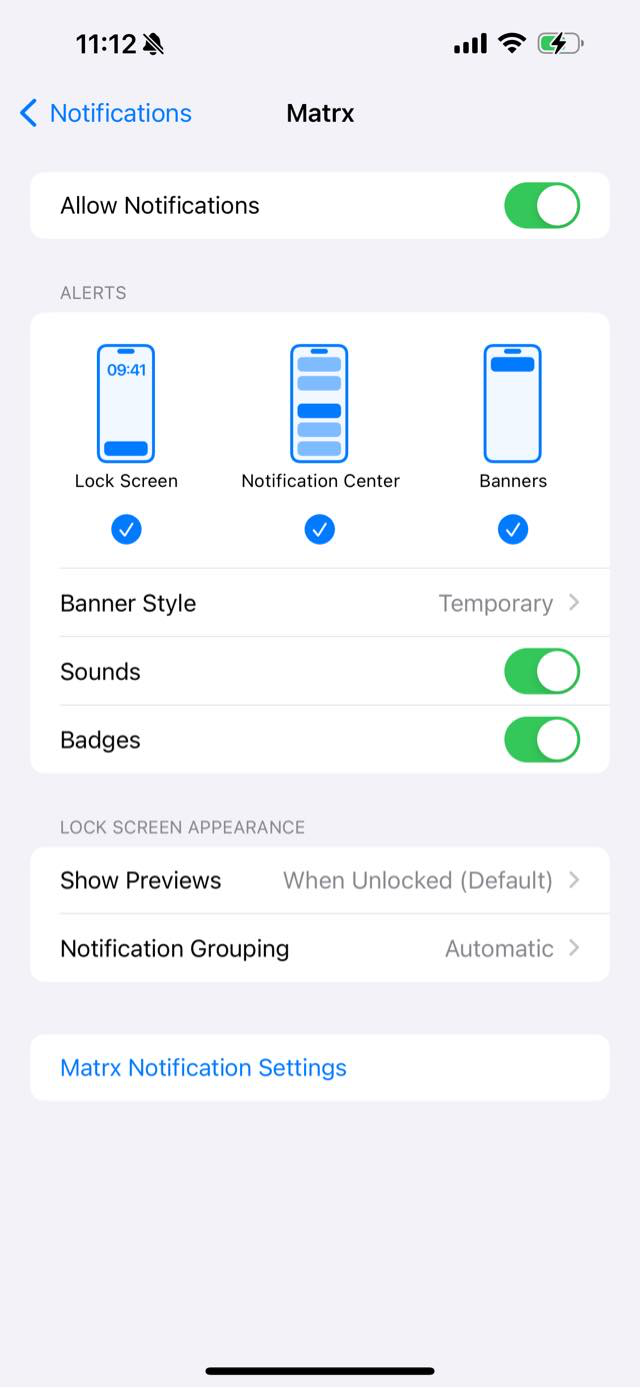
- Enable “Allow Notifications” for Matrx. Choose where do you want the notifications to be shown, on Lock Screen, in Notification Center, or on Banners.